
Voice and AILanguages
Multilingual voice entry
Speak in any of the 14 app languages, including English, Urdu and Roman Urdu. The draft comes back in the same language.
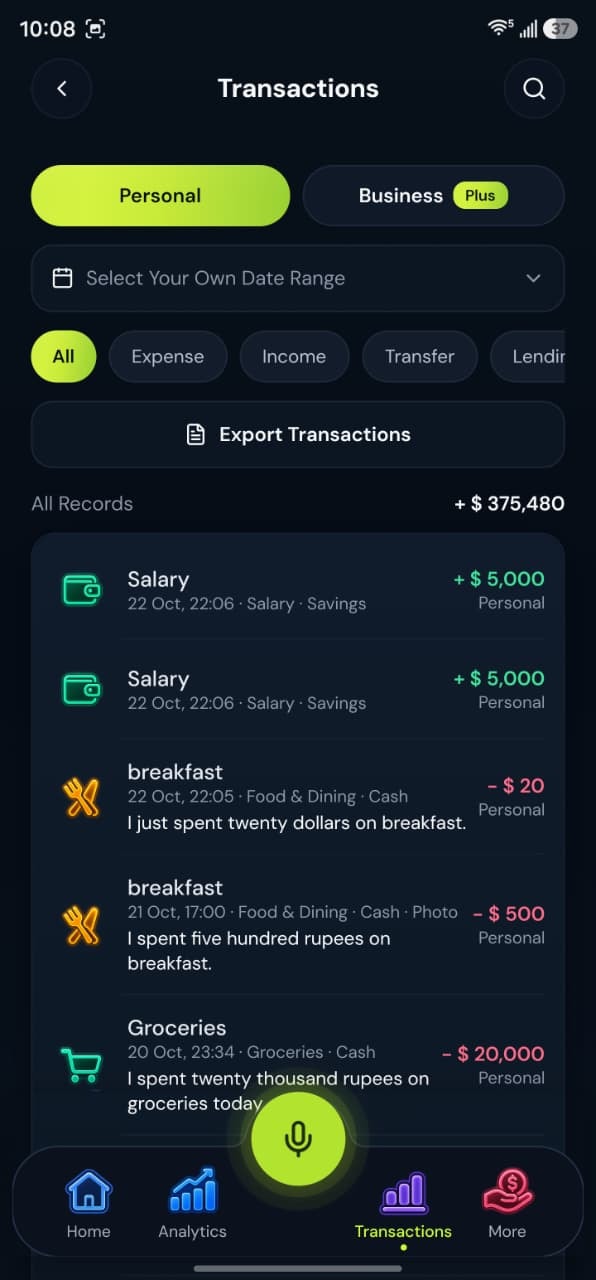
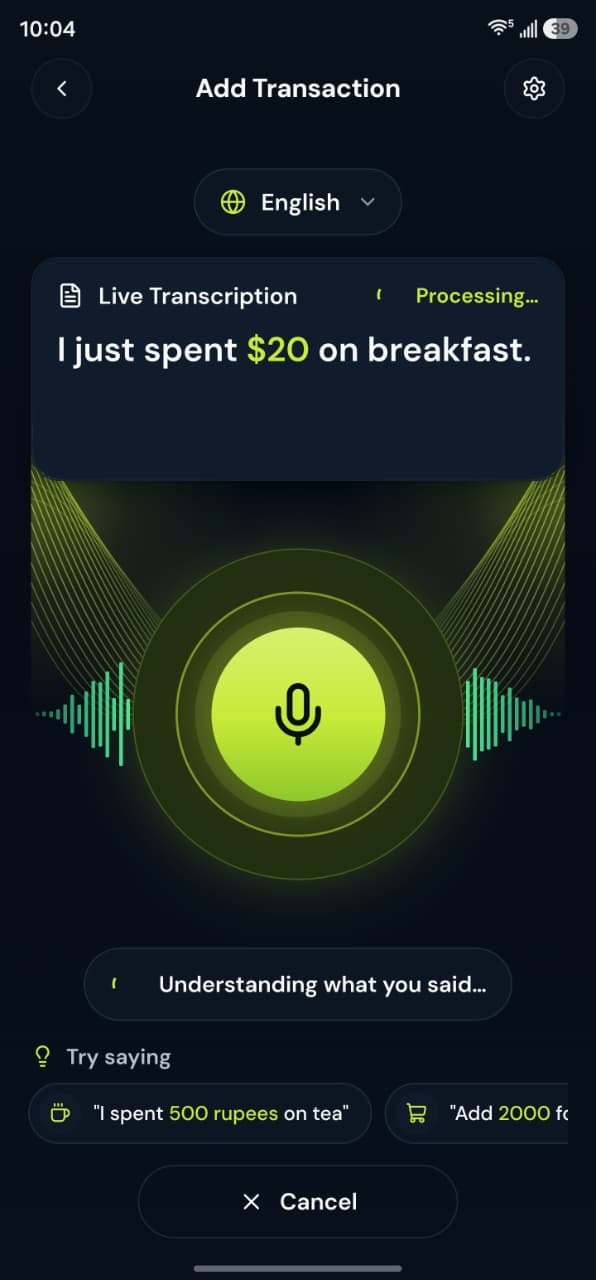
How it works
Choose your language, then speak.
1Choose the app language
Pick a language in Settings. Labels, dates and category names change on the phone and on the web.
2Voice follows it
The voice language moves with the app language. You can also set it separately in your profile.
3Speak the transaction
Say the amount and what it was. Roman-script phrases can be recognized as Roman Urdu when the words match.
4Read the draft in your language
Check the draft before you save. A correct language setting does not replace that review.
Voice examples
You can speak naturally in English, Urdu or Roman Urdu. Each phrase becomes a draft you check before saving.
“Aaj lunch par 500 rupay kharch kiye.”
Roman Urdu
Draft:
- Expense
- Food & Dining
- Rs. 500
“آج پٹرول پر دو ہزار روپے خرچ کیے”
Urdu
Draft:
- Expense
- Fuel
- Rs. 2,000
“I received 50,000 from freelance work.”
English
Draft:
- Income
- Freelance
- Rs. 50,000
What this feature gives you
The app, the web dashboard and voice entry work in the same 14 languages, including English, Urdu, Roman Urdu, Arabic, Hindi and Bengali. The voice language follows the app language unless you choose another one. You still check every draft before it is saved.
This website speaks them too
Pick a language from the menu in the header or footer and this website switches to it. Arabic and Urdu read right to left.
Urdu script and Roman script are different choices
Urdu (اردو) and Roman Urdu are separate interface languages. Pick the one you read.
Questions about this feature
More answers in the help desk.
If I set the app to Arabic, can I speak Arabic?
Yes. Voice entry follows the app language, so you can say the transaction in Arabic and review the draft in Arabic.
Does the website switch to Urdu?
Yes. Choose Urdu from the language menu. Legal pages, blog posts and Help Desk answers stay in English.
Voice expense tracker
Say what you spent or received. BoloHisab listens, drafts a transaction, and waits for you to confirm it.
Learn moreAI transaction entry
Speech is turned into fields you can check: type, amount, category, account, and workspace.
Learn morePersonal and business workspaces
One account can keep a Personal workspace, a Business workspace, or both together on Plus and Pro.
Learn more
