
Core featureAccounts
Financial accounts
Keep cash, bank, card, wallet, and savings balances that you update yourself.
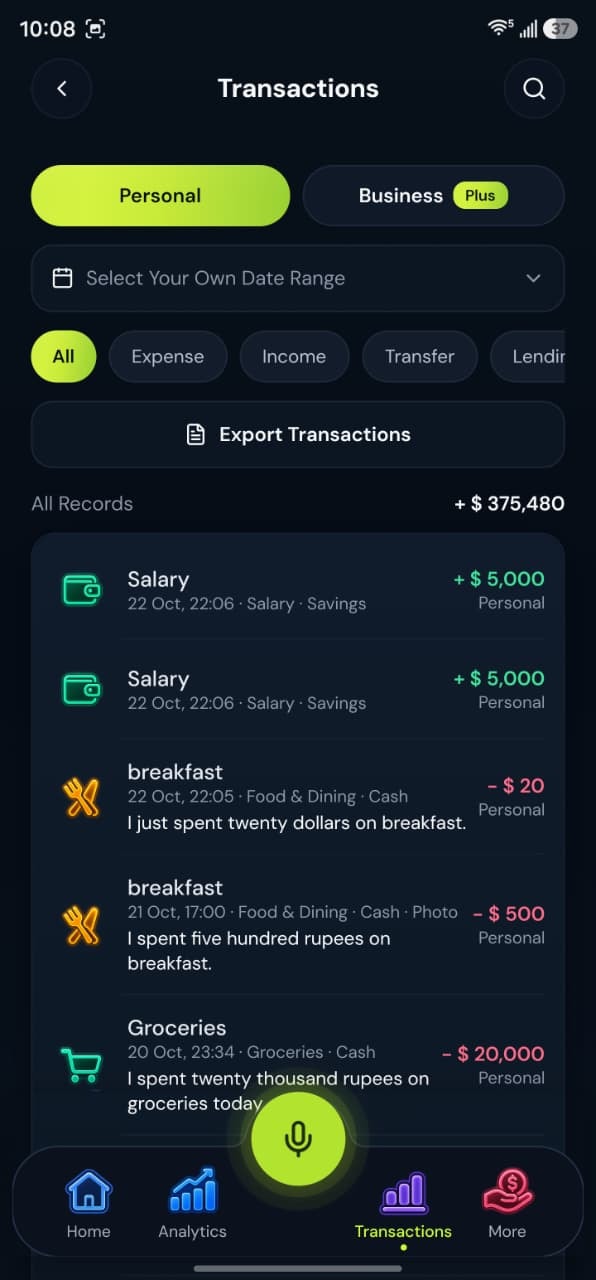
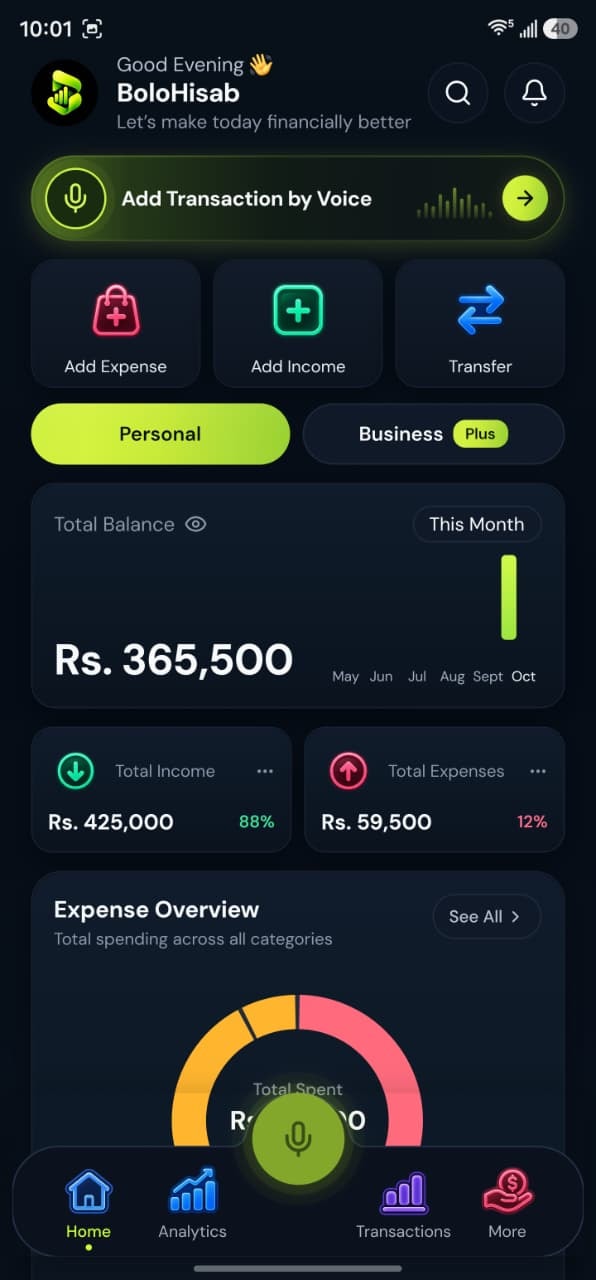
How it works
Accounts are records you keep. Each transaction says which one it affects.
1Add an account
Name it and choose a type. The default limit is 3 accounts on Free, 10 on Plus, and unlimited on Pro.
2Assign transactions
When you save income, an expense, or a transfer, choose which account it affects.
3Transfer between them
A transfer moves an amount from one of your accounts to another without counting it as new income or a new expense.
4See the balance you recorded
The balance follows the transactions you have saved. It is not a live balance from the bank.
Voice examples
You can speak naturally in English, Urdu or Roman Urdu. Each phrase becomes a draft you check before saving.
“Paid the electricity bill, 4,600 from JazzCash.”
Draft:
- Expense
- Bills & Utilities
- JazzCash
- Rs. 4,600
“Salary of 85,000 came into HBL.”
Draft:
- Income
- Salary
- HBL
- Rs. 85,000
“Transfer 10,000 from Easypaisa to HBL.”
Draft:
- Transfer
- Easypaisa to HBL
- Rs. 10,000
Supports multiple accounts
Record transactions in cash, bank accounts and wallets. BoloHisab does not connect to them; each balance follows what you record.
- Cash
- JCJazzCash
- EEasypaisa
- SPSadaPay
- NPNayaPay
- HBLHBL
- UBLUBL
- Add your own
Common accounts in Pakistan. Names are suggestions; add any account by name.
What this feature gives you
Accounts in BoloHisab are records you maintain. Types include cash, bank, credit card, digital wallet, savings, and other. In Pakistan the starter catalog includes cash, JazzCash, Easypaisa, SadaPay, NayaPay, and several banks. You can add an account of your own.
No bank login
BoloHisab never asks for internet-banking passwords. You type or speak the amount.
Wallets are accounts too
A wallet such as JazzCash is recorded like any other account you add.
Questions about this feature
More answers in the help desk.
Why does the balance differ from my bank app?
BoloHisab only knows the transactions you saved. A missing entry, or a transaction still in draft, will not be in the balance.
Can I delete an account?
Accounts can be managed from the accounts area of the app and the web dashboard.
Income and expense tracking
Record money in, money out, and transfers between your own accounts.
Learn moreLending and borrowing
Record money you lent, money you borrowed, and the repayments that follow.
Learn more
Savings goals
Name a target, set an amount, and keep the goal next to the money you have recorded.
Learn more
