SolutionsClient work
Freelancers
Freelance income arrives in uneven amounts. BoloHisab does not send invoices. It gives you a place to record a payment when it arrives, and to record the software, travel, or client meal that belonged to the work.
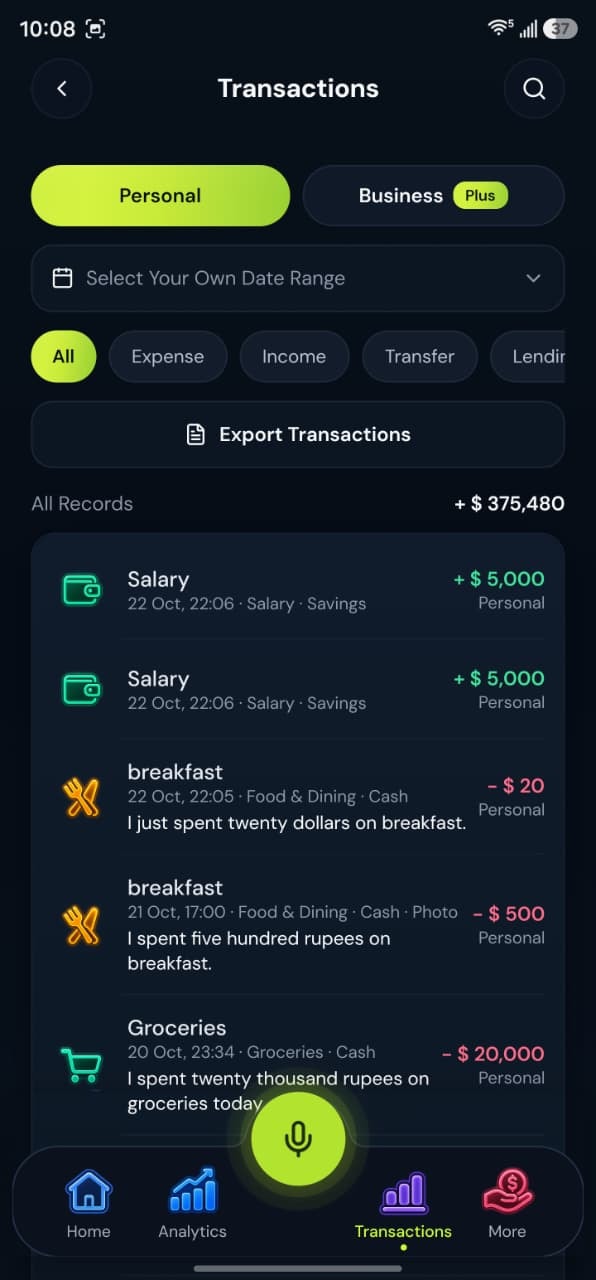
- Client paymentsRecorded when they arrive
- Home stays separatePersonal and Business, one login
Why it fits
Built around the records you already keep
Keep client payments and the costs of the work in a Business workspace, and keep household spending in Personal.
Income when it lands
Save a business income record under Freelance, Services, or Sales. The date is the date you record, so a late payment stays in the month you received it if that is when you enter it.
Costs of the job
Business categories include software, client meals, business travel, and professional fees. Put those in the Business workspace.
Household stays separate
Rent, groceries, and fuel for home life stay in Personal, even if they happened on the same day as a client call.
Get set up
A way to use what already exists
No extra module to switch on. The same app, used in the order that suits these records.
- 1
Choose Both at setup
One login, two workspaces. Switch to Business before you record the client payment.
- 2
Speak the payment
Say the amount and who it was from. Review the workspace field. Save only after it says Business.
- 3
Budget the tools
A software budget in the Business workspace is separate from a grocery budget at home.
Good to know
CSV export of these records works on every plan. PDF statements and Personal plus Business together are on Plus and Pro.
Does BoloHisab create invoices?
No. You record income after you have it. Invoicing is not part of the app.
Can I track one freelance project?
Use the Business workspace, categories, and notes on each transaction. There is no separate project-accounting module.