
Core featureBudgets
Budget management
Set a spending limit for a category in the workspace you are using.
How it works
A budget is a category plus a limit, kept in one workspace.
1Pick the workspace
A grocery budget belongs in Personal. A marketing budget belongs in Business.
2Choose the category
The limit applies to that category, not to every expense in the workspace.
3Enter the limit
Save the amount. Spending already recorded in that category is what the budget compares against.
4Get a reminder
The app can notify you about budget activity. Notification kinds include budget alerts, which you can turn down in notification settings.
What this feature gives you
A budget in BoloHisab is a category plus a limit. It belongs to the Personal or Business workspace that is active when you create it. The plan sets how many you can add: 2 budgets on Free, 10 on Plus, and unlimited on Pro.
A limit is not a block
The budget shows the record against the limit. It does not decline a card payment, because BoloHisab is not in the payment path.
Separate spaces
Personal and Business budgets are filtered by workspace, so they do not share one list.
Questions about this feature
More answers in the help desk.
Is the budget monthly?
Budgets are kept as a category limit and compared with spending recorded for the period the app is showing. Check the budget screen for the month you are viewing.
What happens at the plan limit?
On the web dashboard, saving another budget past the plan limit is refused with the plan name and the number included.

Savings goals
Name a target, set an amount, and keep the goal next to the money you have recorded.
Learn moreIncome and expense tracking
Record money in, money out, and transfers between your own accounts.
Learn moreAnalytics and reports
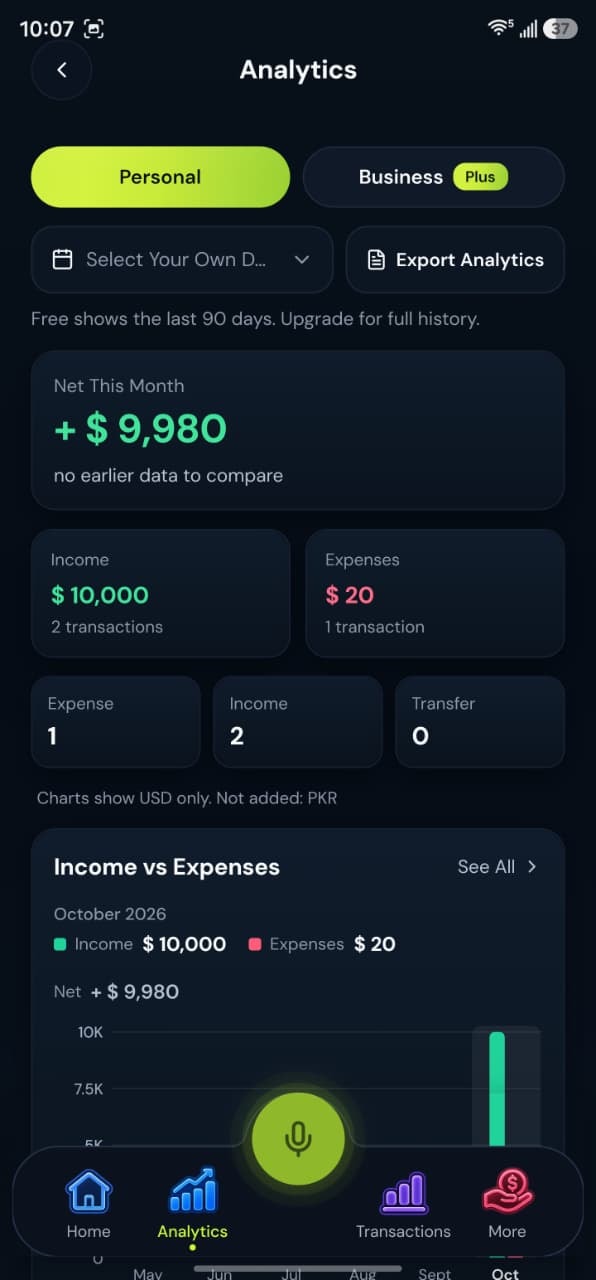
See income, expenses, and category totals for the workspace you are viewing. CSV export on every plan; PDF on Plus and Pro.
Learn more
