
Core featureReports
Analytics and reports
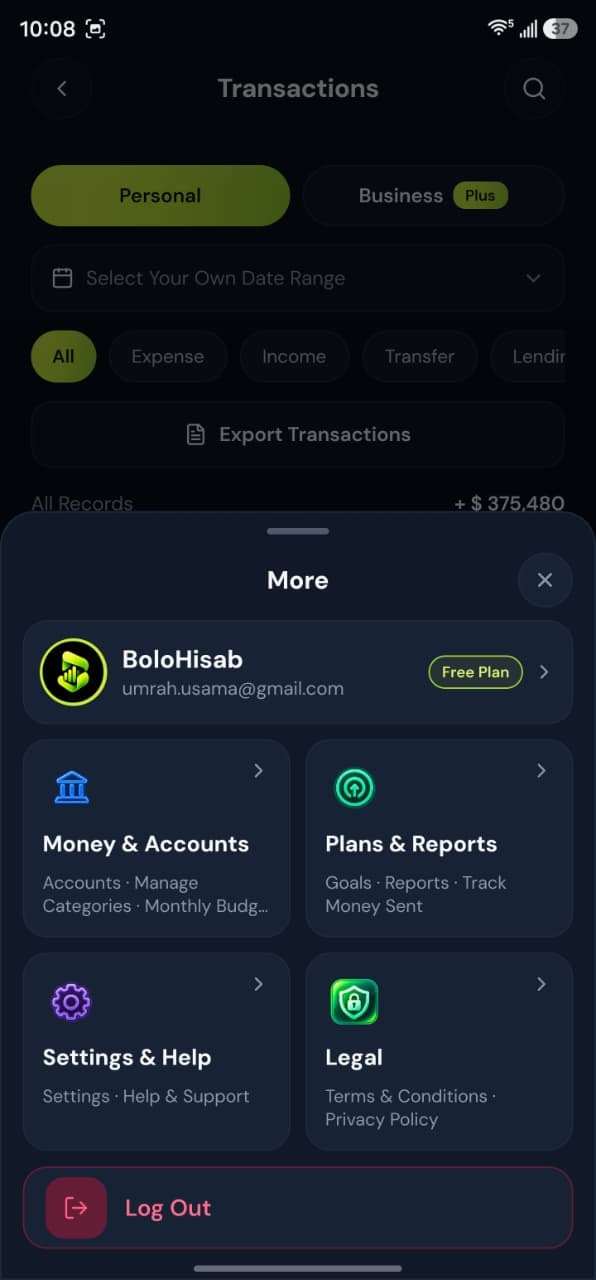
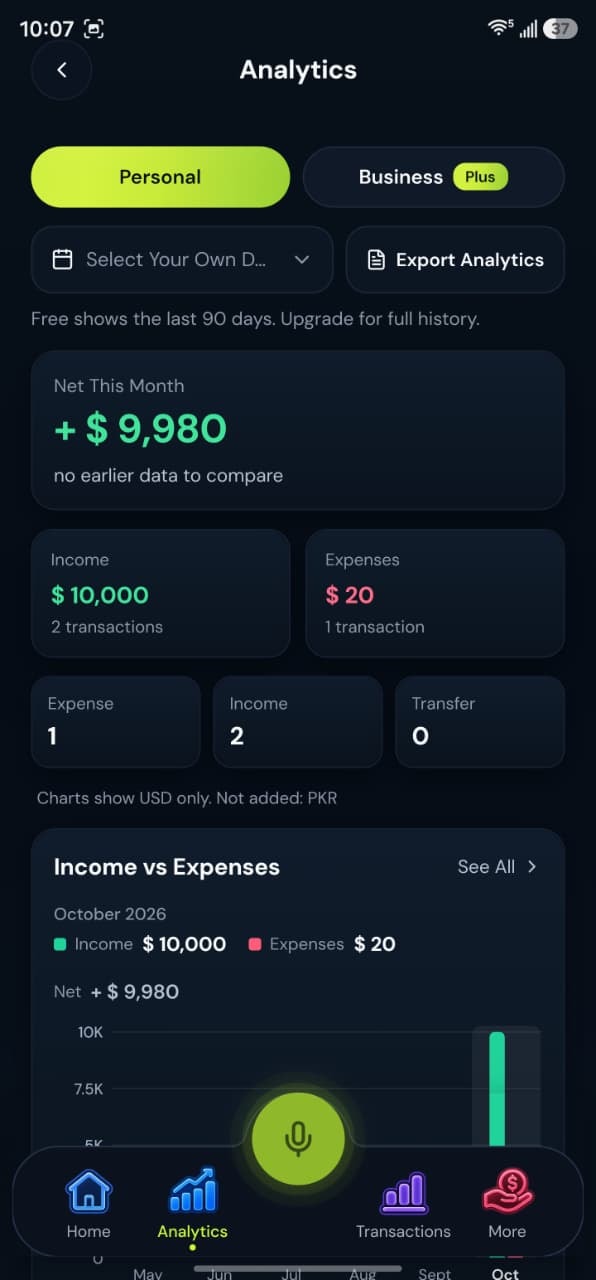
See income, expenses, and category totals for the workspace you are viewing, with CSV export on every plan and PDF on Plus and Pro.
How it works
Reports summarize what you saved, one workspace at a time.
1Open Analytics or Reports
On the phone, Analytics is in the main navigation. On the web, reports and analytics are separate pages in the signed-in dashboard.
2Stay in one workspace
Figures follow Personal or Business, so you are not averaging two different activities into one chart by accident.
3Export when the plan allows
Choose CSV or PDF for the records on screen. The file is a statement of what you entered.
4Share the file yourself
Download the file and send it if an accountant or a family member needs a copy. BoloHisab does not post it for you.
What this feature gives you
The mobile app and the web dashboard both have analytics and reports. They summarize the transactions you saved. CSV downloads work on every plan. PDF statements are on Plus and Pro. Free reports cover the last 90 days; Plus and Pro show full history.
Charts follow your entries
An empty month is an empty chart. The product does not estimate missing transactions.
Files that open anywhere
CSV opens in any spreadsheet app, and PDF is ready to print or share. There is no live sync to another service.
Questions about this feature
More answers in the help desk.
Can I export on the Free plan?
Yes, CSV. PDF statements are included on Plus and Pro.
Are reports financial advice?
No. They describe records you saved. They do not recommend investments or tax positions.
Income and expense tracking
Record money in, money out, and transfers between your own accounts.
Learn moreBudget management
Set a spending limit for a category in the workspace you are using.
Learn morePersonal and business workspaces
One account can keep a Personal workspace, a Business workspace, or both together on Plus and Pro.
Learn more
