
3 min read
Add a transaction by hand
Use Add Expense, Add Income, or Transfer when you do not want to speak.
- Step by stepMatched to the real screens
- Your recordsEvery entry you saved
Step by step
Follow these steps
- 1
Pick the action
Add Expense, Add Income, and Transfer are on the home screen. The web dashboard has the same kinds of pages under the signed-in account. - 2
Enter the amount
The form asks for an amount. It will not save an empty or invalid amount. - 3
Choose category, account, and workspace
An expense needs a category. A transfer needs the accounts you are moving money between. - 4
Save and reopen it
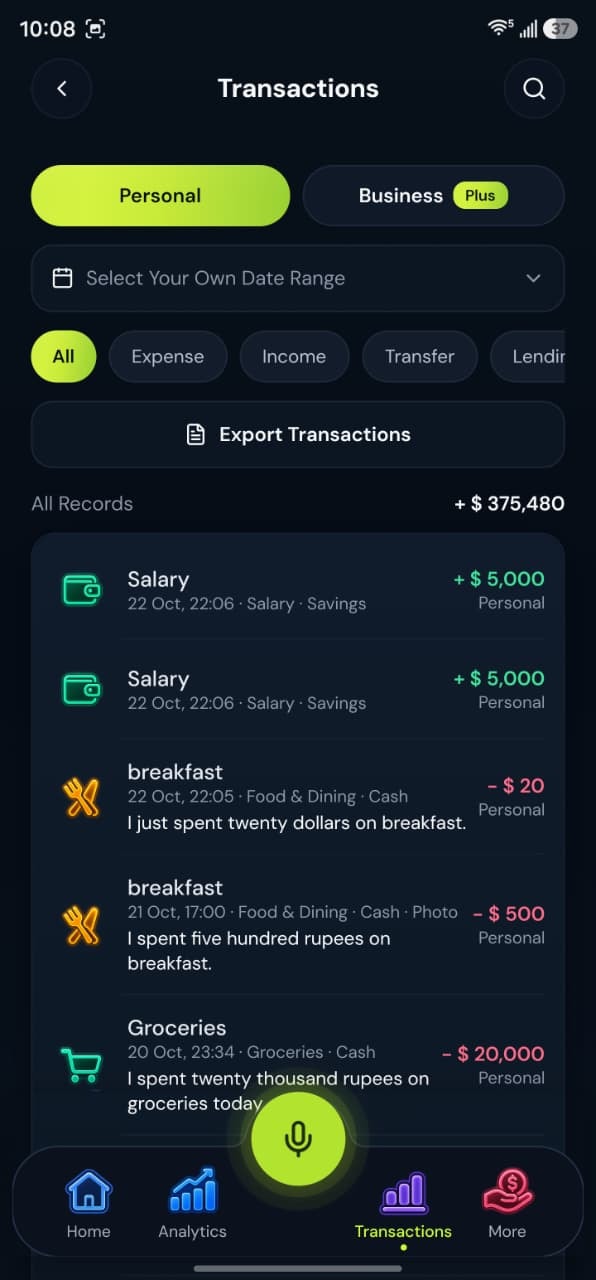
Open the new row from the transaction list if you want to edit it.
Take control today
Manage your money,
the easier way.
Speak, track, and stay in control of your personal and business finances with BoloHisab Wallet.
- Voice First
- Smart Insights
- Safe & Private
