
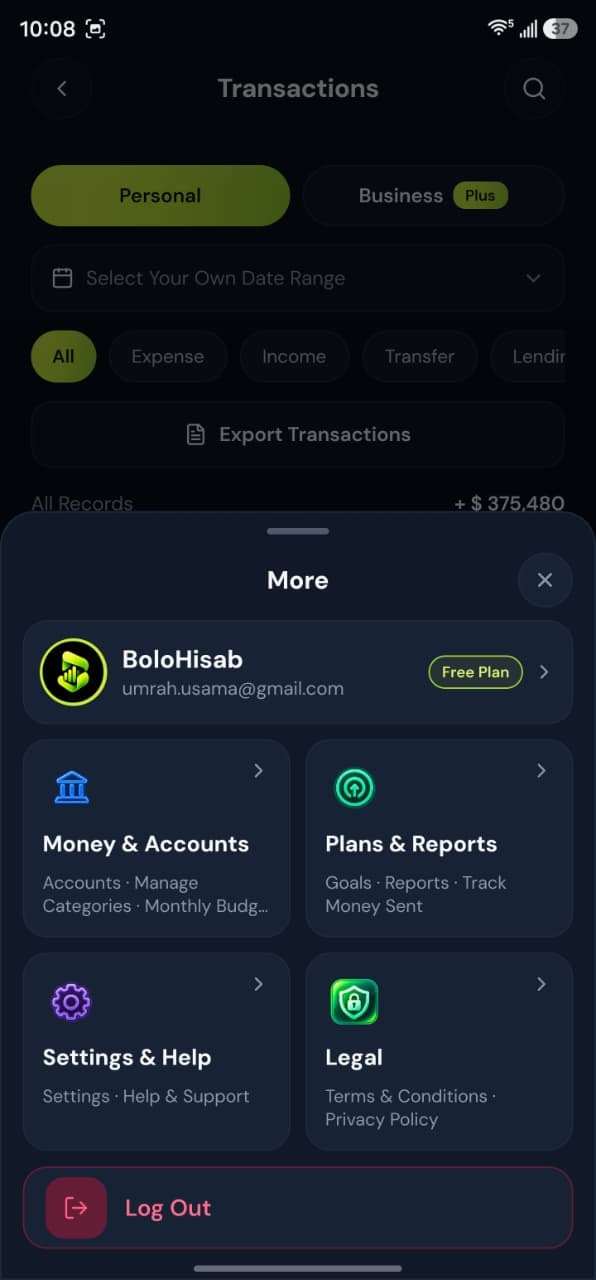
- Step by stepMatched to the real screens
- BudgetsA limit for one category
Step by step
Follow these steps
- 1
Open Budgets in the right workspace
A food budget should be created while Personal is selected. A marketing budget should be created while Business is selected. - 2
Choose the category
The form requires a category. The limit applies to that category. - 3
Enter the limit and save
If you are already at the plan’s budget count, the web app stops the save and names the plan limit: 2 on Free or 10 on Plus. Pro has no budget limit.
Take control today
Manage your money,
the easier way.
Speak, track, and stay in control of your personal and business finances with BoloHisab Wallet.
- Voice First
- Smart Insights
- Safe & Private
