
2 min read
Export CSV or PDF
Download a file of the records on screen when your plan includes export.
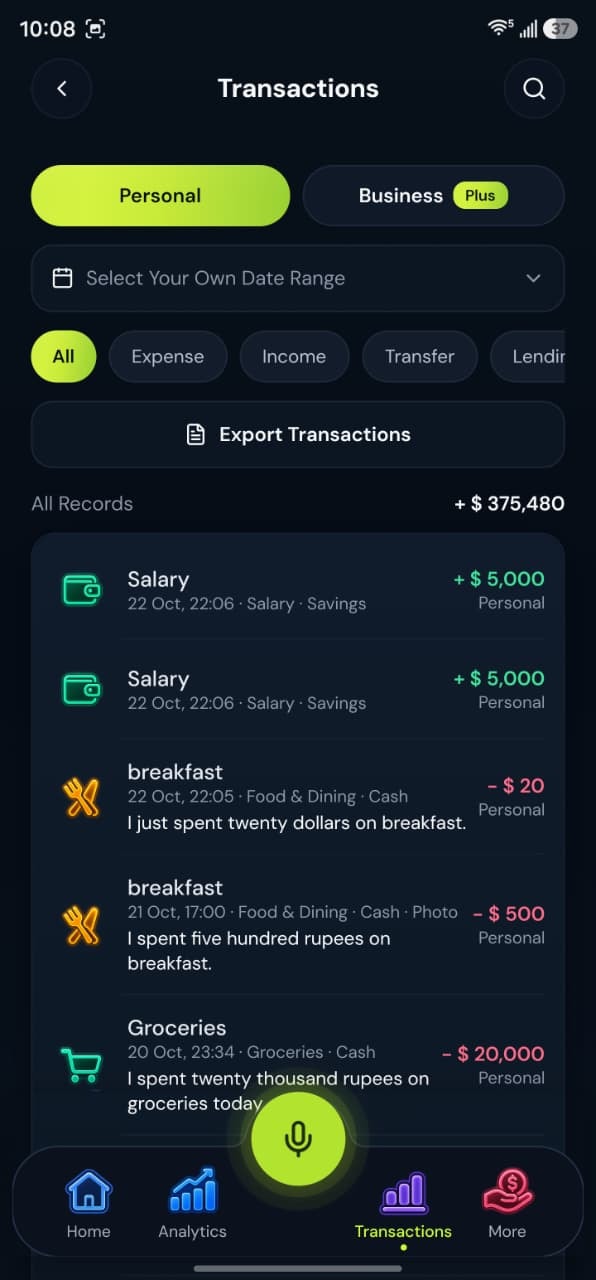
- Step by stepMatched to the real screens
- Your recordsEvery entry you saved
Step by step
Follow these steps
- 1
Open the list or report
Transactions, lending, analytics, and reports can offer export on the web dashboard. - 2
Check the plan
CSV works on every plan. If PDF is locked, the message says PDF statements are on Plus and Pro. - 3
Choose the file
PDF is the printable statement. CSV is the spreadsheet file. You send the file yourself if someone else needs it.
Take control today
Manage your money,
the easier way.
Speak, track, and stay in control of your personal and business finances with BoloHisab Wallet.
- Voice First
- Smart Insights
- Safe & Private
