
- Signed-in accessOnly your account sees your rows
- 6-digit PINLocks the app on this device
Step by step
Follow these steps
- 1
Open PIN in settings
Create a 6-digit PIN on the device. It is confirmed during setup and stored in the device secure store, not as plain text in the app. - 2
Understand what it locks
The PIN unlocks the app on that phone or browser. It does not replace sign-in, and it is not a database encryption key. - 3
Reset it by signing in
Forgot PIN asks for the account password again, then lets you set a new PIN. The old one stops working.
Take control today
Manage your money,
the easier way.
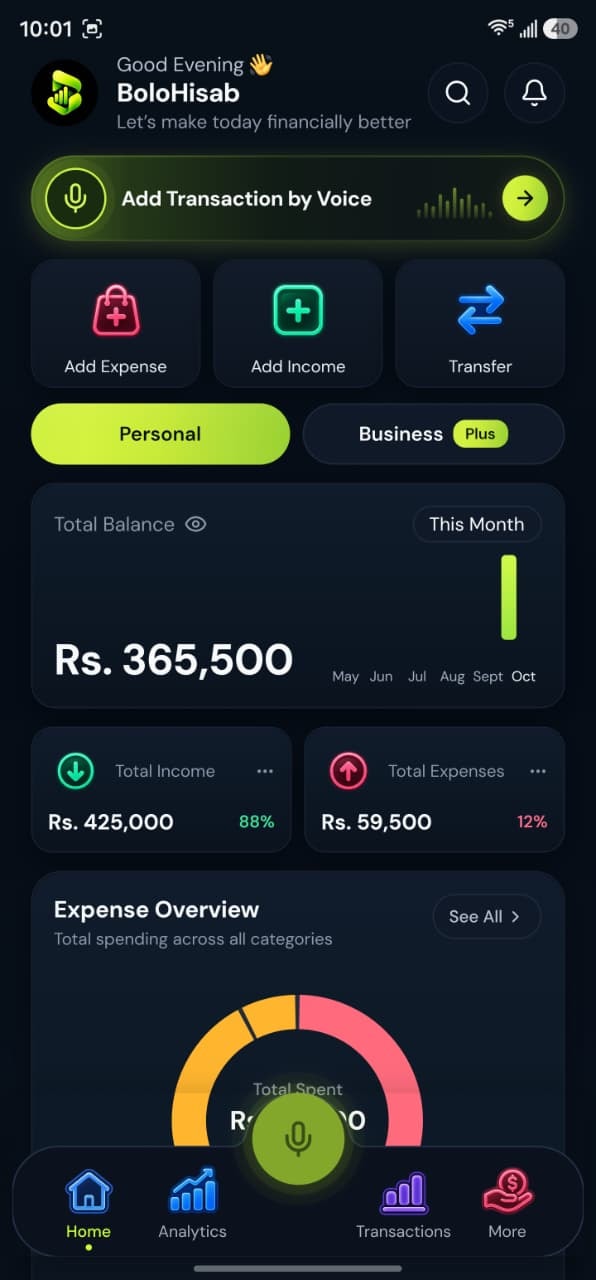
Speak, track, and stay in control of your personal and business finances with BoloHisab Wallet.
- Voice First
- Smart Insights
- Safe & Private
