
3 min read
Track a savings goal
Save a named target next to the records you already keep.
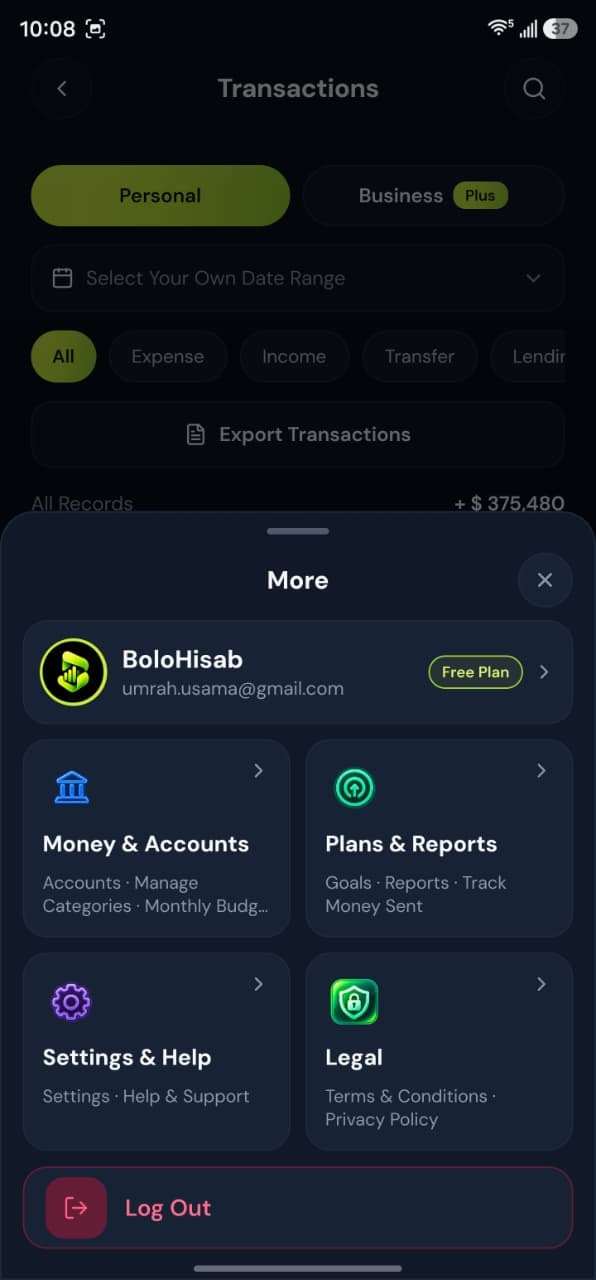
- Step by stepMatched to the real screens
- Savings goalsA named target and a date
Step by step
Follow these steps
- 1
Open Savings Goals
Choose Add Goal. Give it a name of at least two characters. - 2
Set the target
Enter the target amount. Add a start date. Add an end date only if you want a reminder on that date. - 3
Read the progress as a record
The screen can show what the workspace has recorded against the goal. It does not open a savings account.
Take control today
Manage your money,
the easier way.
Speak, track, and stay in control of your personal and business finances with BoloHisab Wallet.
- Voice First
- Smart Insights
- Safe & Private
