
Account creation
Create an account
Sign up on the user dashboard with email and password, then verify the email.
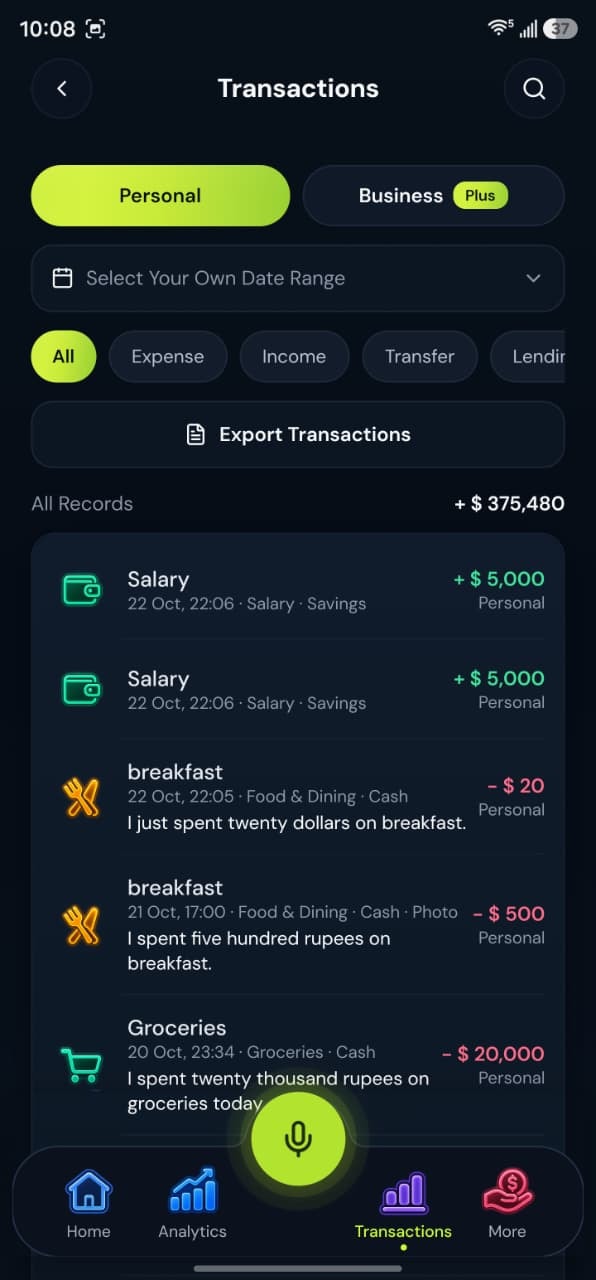
- Today’s appOnly screens that shipped
- Still stuck?Email support
Help
What to know
- Open the Get Started link. It goes to app.bolohisab.com/sign-up. This website does not create accounts.
- Enter your name, email, and password. After sign-up the dashboard sends you to verify your email.
- When email is confirmed, account setup asks you to choose Personal, Business, or Both.
- Google sign-in is present in the form. If that provider is not configured for the build, the form says so. Email sign-up is the path that does not depend on it.
Take control today
Manage your money,
the easier way.
Speak, track, and stay in control of your personal and business finances with BoloHisab Wallet.
- Voice First
- Smart Insights
- Safe & Private
