
Back to How It Works
Step 04 of 04
Save it to the right account
After you confirm, the record is saved to the account and workspace you chose. It shows in Transactions, reports and budgets straight away, and you can open and edit it later. Saving needs an internet connection.
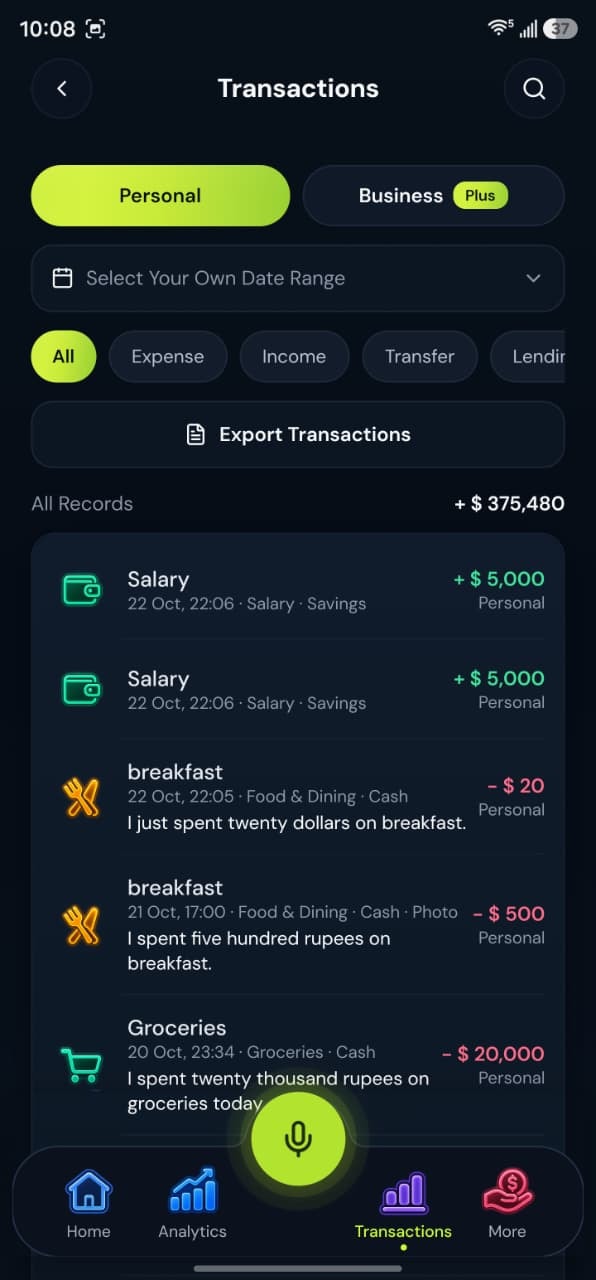
Your record, your way
A saved record is a copy of what you confirmed. BoloHisab does not connect to your bank.
Saving needs an internet connection
- Edit laterOpen the transaction from the list and change it any time.
- CSV exportExport the records on screen as CSV on every plan.
- PDF statementsDownload PDF statements on Plus and Pro.
What happens next?
Keep speaking your transactions and watch the picture build up.
- Check reportsSee where your money goes.
- Track budgetsSpending counts toward each limit.
- Add the next oneHold the mic and speak again.
